One-Click Preset Install
Drops .xmp files into the right Lightroom or Camera Raw folder in seconds — even when the host app is open. Manual drag-and-drop is over.



Preset Installer manages every .xmp preset across Lightroom Classic, Lightroom CC and Camera Raw in a single app — no manual drag-and-drop, no folder digging. Back your library up to the cloud and share entire packs with anyone through a short Preset Key.
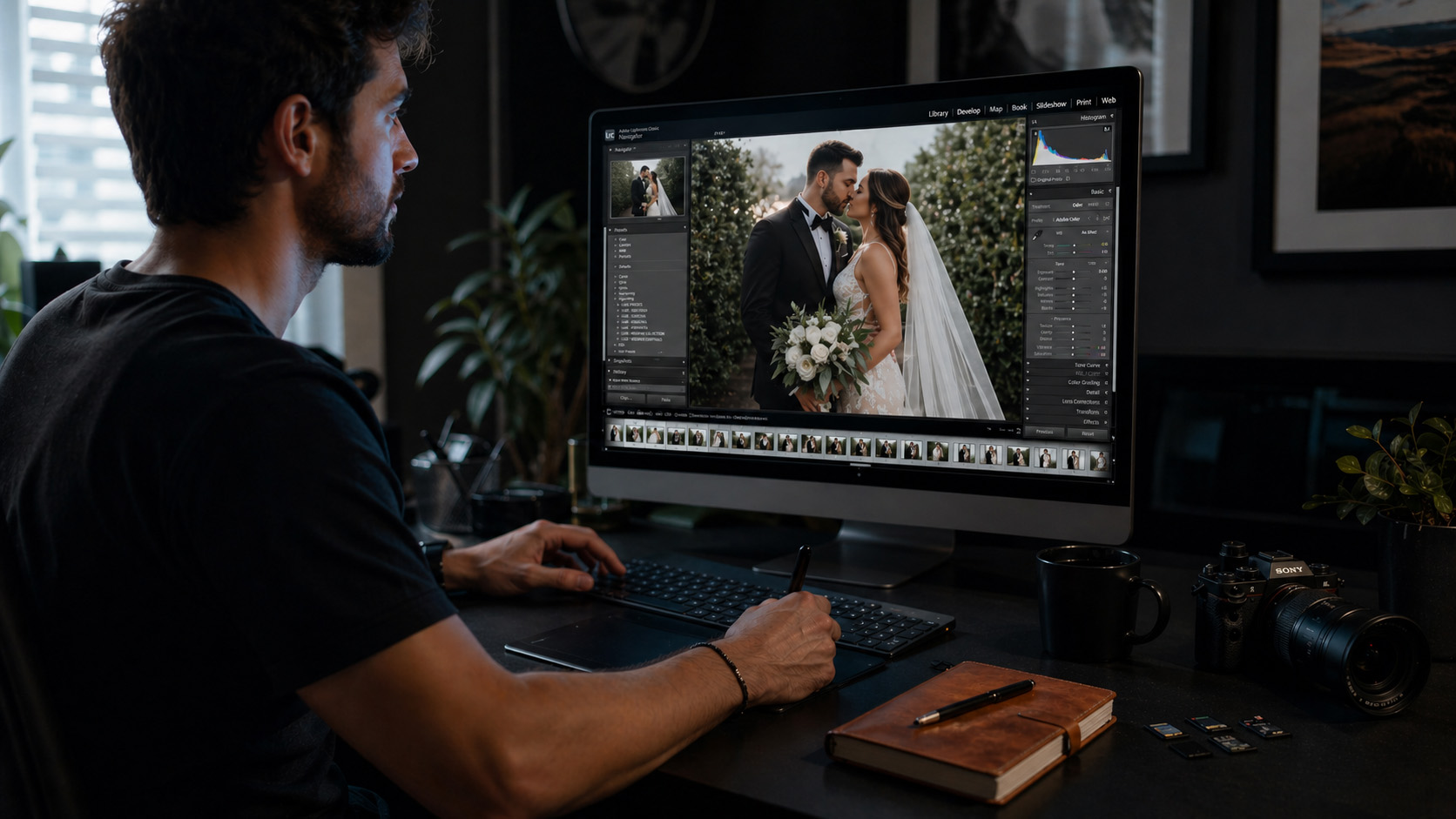
One app for installing presets, cloud backup, key-based sharing and ZIP downloads from your account — all included free.
Drops .xmp files into the right Lightroom or Camera Raw folder in seconds — even when the host app is open. Manual drag-and-drop is over.
Every preset and profile is automatically backed up. Switching computers or reinstalling your OS will not cost you a single look.
Generate a Preset Key for any group. Friends paste the key into their app and the presets land in their library instantly.
Sign in to your account and download any of your own preset groups as a ZIP — handy for offline backups, manual archiving or moving to a different editor.
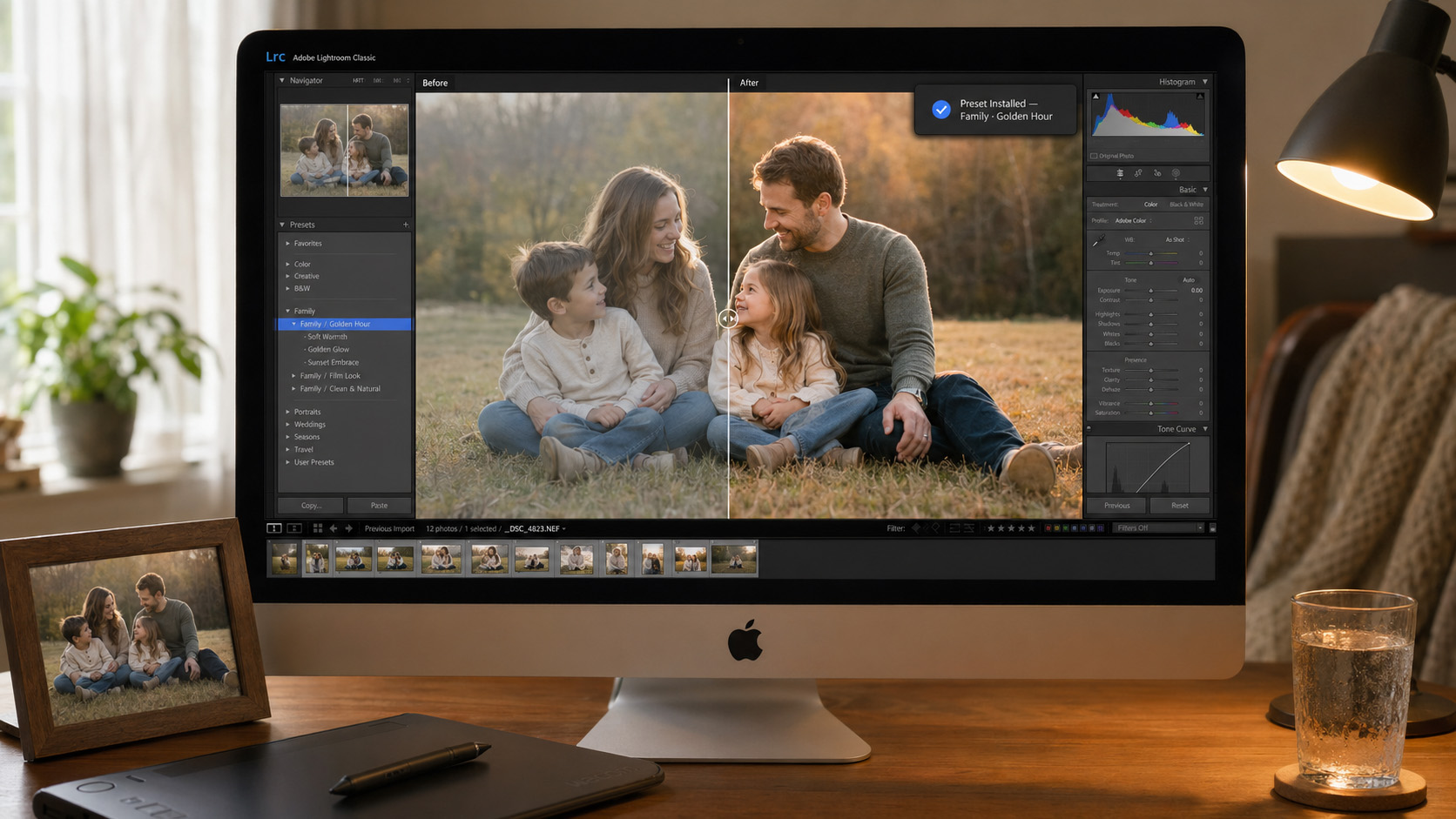
Lightroom Classic, Lightroom CC and Camera Raw all use different folders and slightly different formats. Preset Installer detects which version is installed and writes every preset exactly where it belongs.
Got a new computer? Sign in with the same account and your library reappears — keep editing your photos with the exact same colors right where you left off.
Pick a single preset, a group or your entire library and create a Preset Key. Your friend installs Preset Installer, pastes the key, and the presets land in their library instantly — no technical knowledge required on their side.
No email attachments, no Drive links, no zipped uploads. You only share a short code; the app handles the rest.
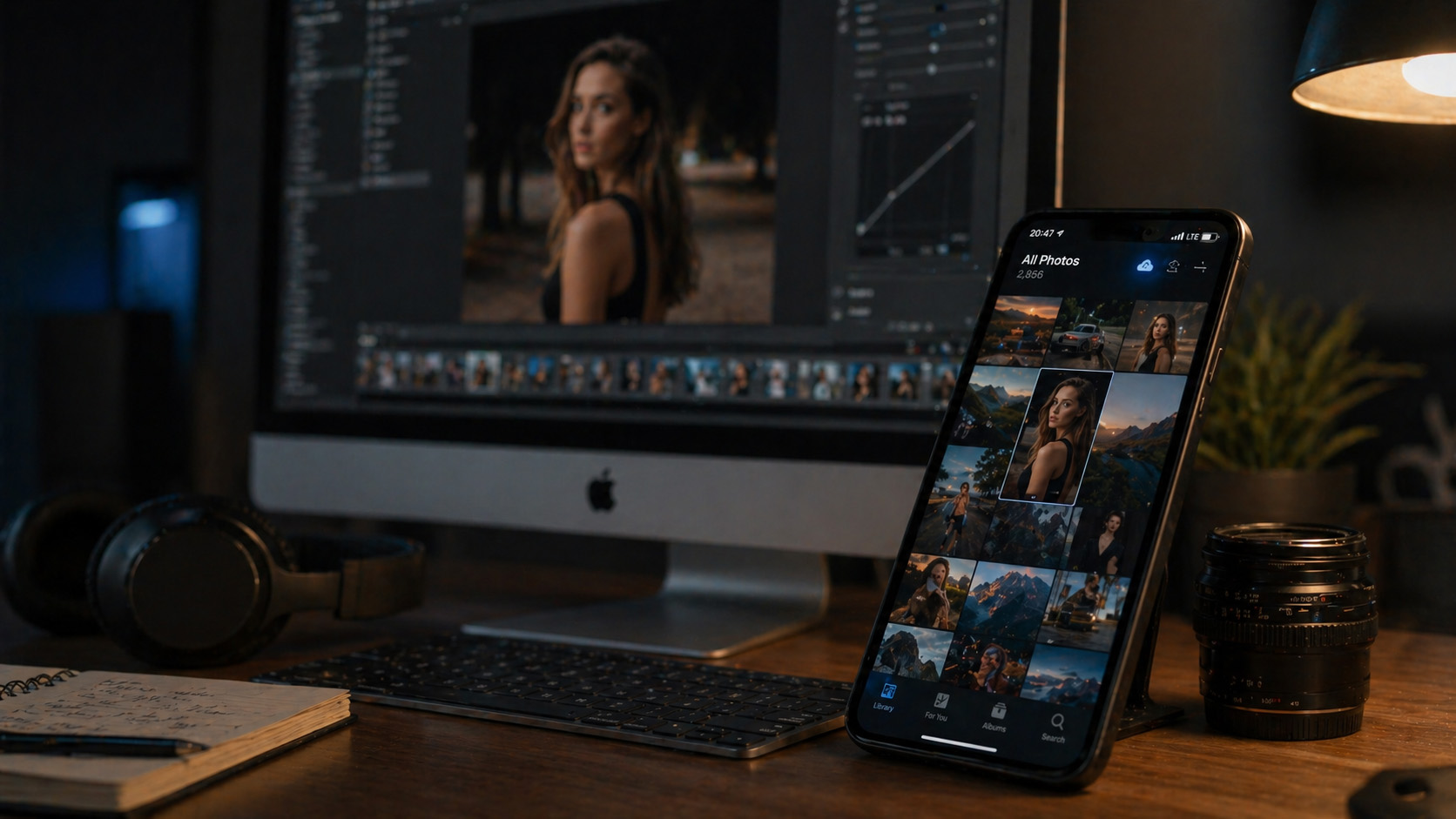
From install to first share in under five minutes.
Free for macOS and Windows. Setup takes 30 seconds and needs no extra configuration.
The app gathers every preset and profile from your Lightroom and Camera Raw library into a single view. Hit "Back up" once — everything else lands in the cloud automatically.
Generate a Preset Key for any pack and send it to a friend. Move to a new device? Sign in and your library is back instantly.
Quick answers about Preset Installer.
It works with Lightroom Classic, Lightroom CC (mobile included), Photoshop and Bridge through the Camera Raw engine. Any .xmp preset or profile is detected automatically.
A Preset Key only unlocks the pack you assign to it. It never grants access to your account or other files, and you can revoke any key at any time.
Install Preset Installer on your computer, paste the key into the "Install with Key" field and the presets drop into your Lightroom library in one click — no extra download or manual setup needed.
Yes. Preset backup, install and Preset Key sharing are free on macOS and Windows; the current per-account limit is 2000 presets.
Passport, visa and ID photo software for photo studios.
ICAO 9303 compliant, 130+ country templates, AI face detection and automatic background removal. Get every biometric, ID, visa and passport photo print-ready in seconds.
Discover Photo ID StudioPreset Installer is a desktop app. From your computer, visit the address below to download it in seconds.